Why Use Yoast SEO Plugin

Why Use Yoast SEO Plugin

Website resources

Why Use Yoast SEO Plugin

The Yoast SEO plugin is a powerful and easy-to-use WordPress plugin that helps website owners improve their search engine optimization (SEO) and website performance. This plugin has become an essential tool for many website owners to help them get more organic traffic and higher rankings in search engine results.
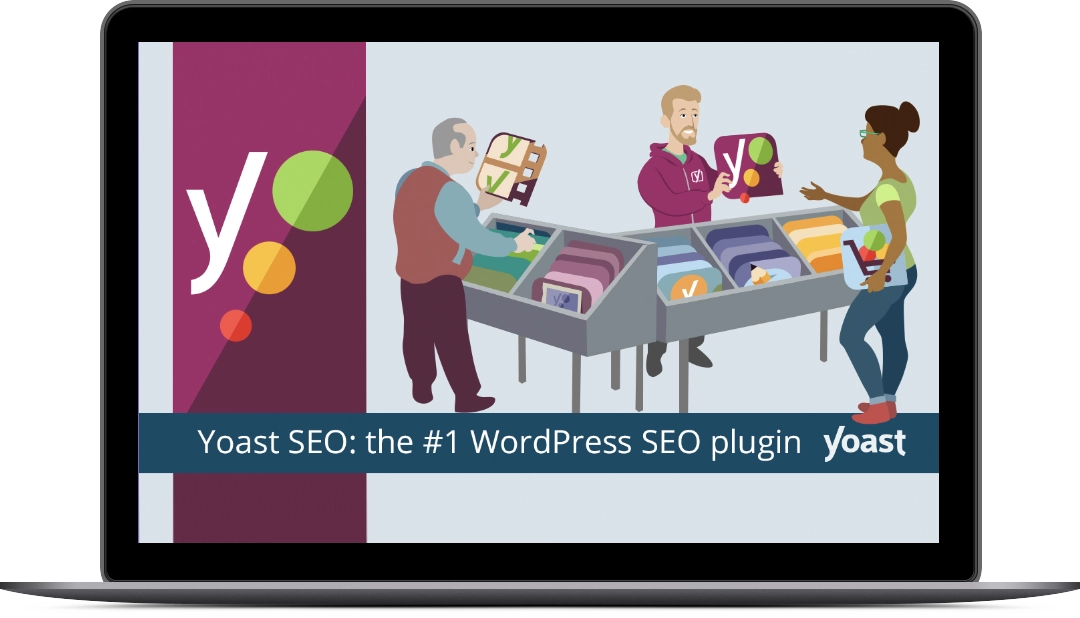
Why should you use Yoast SEO Plugin for your wordpress site - by Zan Design

Join more than 13 million happy Yoast users!

The Yoast SEO plugin makes it easy to create and manage SEO-friendly content. It helps you optimize your content by analyzing it for readability and keyword usage. The plugin also helps you create meta tags and titles that are optimized for search engines. This ensures that your content is more likely to be seen by potential customers.

The Yoast SEO plugin also helps you create an XML sitemap. This is a file that helps search engine spiders index your website and find all your content. This sitemap also helps search engines understand the structure of your website and better understand the content on your site.

The Yoast SEO plugin also includes tools for managing and optimizing your website’s URLs. This helps make your website more user-friendly and easier to share on social media. Additionally, the plugin includes a link building tool that helps you build quality backlinks to your website.

Finally, the Yoast SEO plugin also helps you optimize your website for mobile devices. This ensures that your website looks great and works properly on all types of devices, including smartphones and tablets. This is important because more and more users are accessing websites on their mobile devices.

Overall, the Yoast SEO plugin is an essential tool for any website owner who wants to improve their SEO and overall website performance. The plugin is easy to use and provides a comprehensive set of tools for optimizing your website. It also helps you create SEO-friendly content, optimize your URLs, and create an XML sitemap for better indexing by search engines. Additionally, the plugin helps you optimize your website for mobile devices and build quality backlinks. All of these features make the Yoast SEO plugin a must-have for any website owner.

Why should you use the plugin Monsterinsight

Why should you use the plugin Monsterinsight

Website resources

Why should you use the plugin Monsterinsight

If you are looking for a comprehensive analytics plugin for your WordPress website, MonsterInsights is the perfect choice. MonsterInsights is an all-in-one plugin that enables you to easily track and analyze your website’s performance. With MonsterInsights, you can track visitor behavior and get in-depth insights into your website’s performance. This plugin is user-friendly and can be set up in a few clicks.

Why should you use MonsterInsight Plugin by Web designer Zan Design

Join 3,000,000+ Professionals who use MonsterInsights to Grow their Business with Confidence.

MonsterInsights comes with a range of features that make it an ideal choice for website owners. It can be used to track website visits, page views and visitor engagement. With MonsterInsights , you can monitor your website’s engagement with Google Analytics, enabling you to understand and improve user experience. You can also track how your website performs on search engines like Google, Bing and Yahoo.

With MonsterInsights , you can customize and segment your website’s data. This enables you to gain insights into the performance of specific pages and posts, as well as user demographics. This is especially useful for website owners who are looking to increase their conversion rates and optimize their content for their target audience.

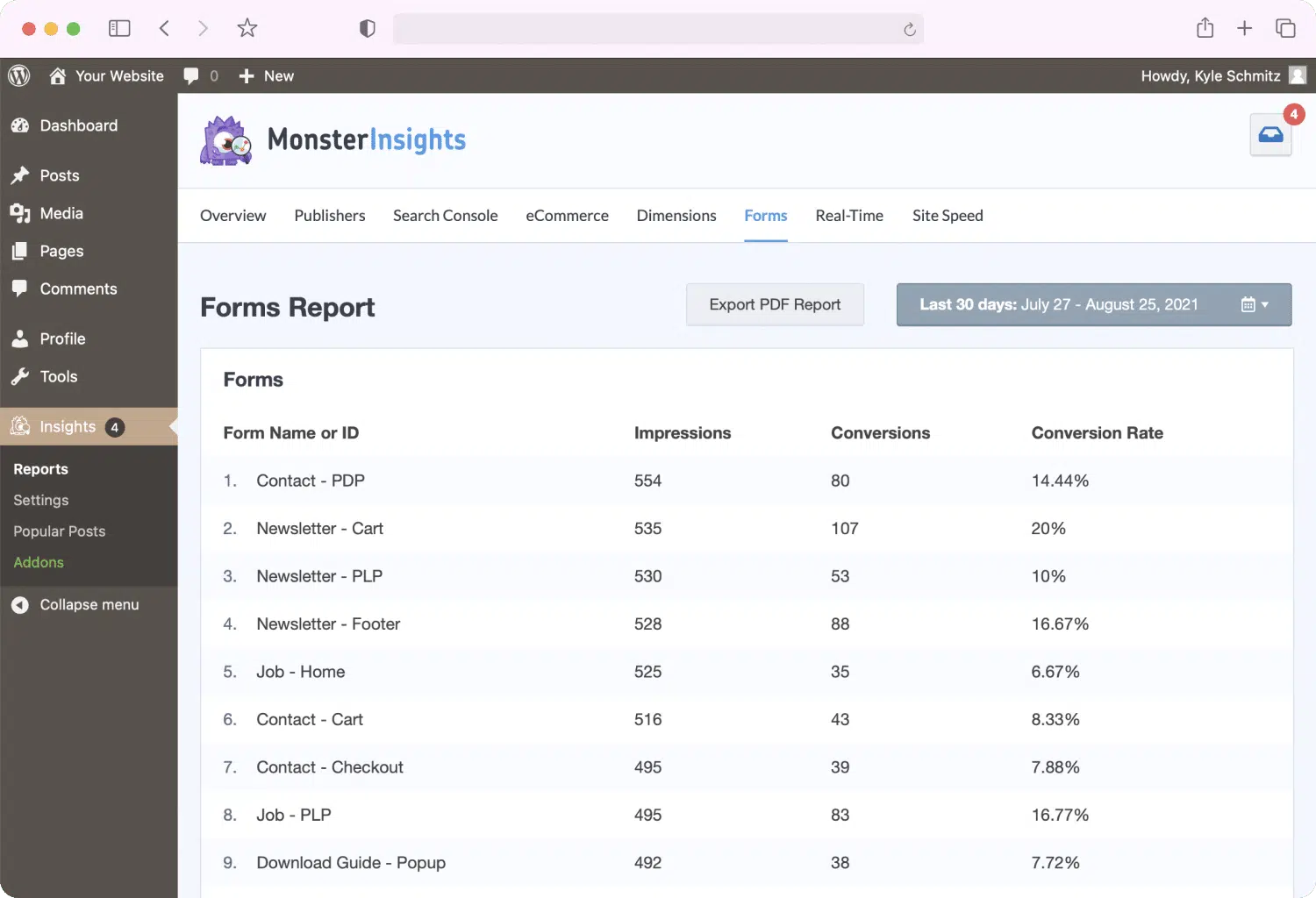
Monster Insights Dashboard

MonsterInsights also allows you to track and measure the effectiveness of your advertising campaigns. With MonsterInsights you can track the performance of your Google Ads and Facebook Ads campaigns. This enables you to identify which ads are working and which are not, helping you make informed decisions about where to invest your advertising budget.

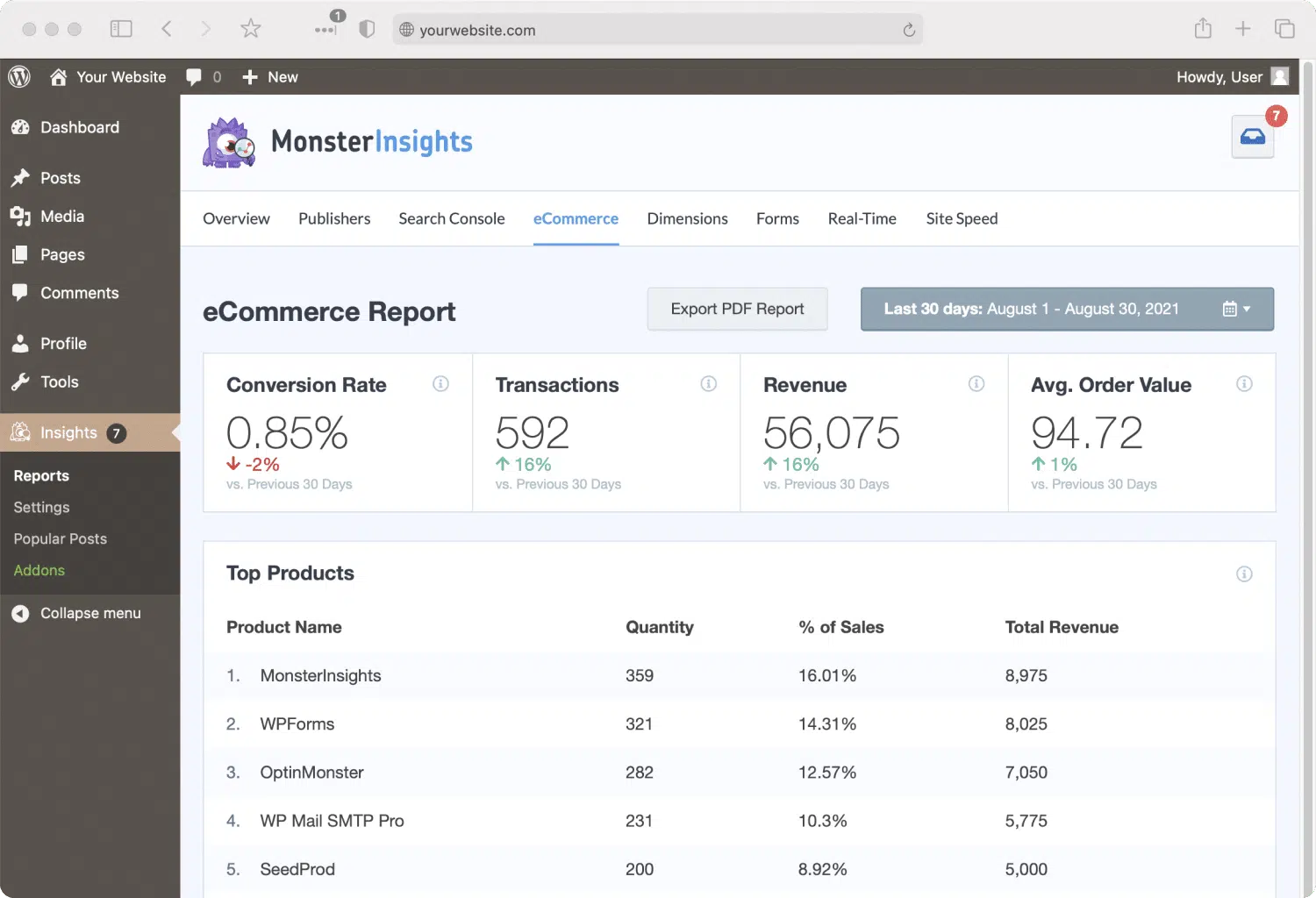
MonsterInsights also enables you to track ecommerce activity on your website. This feature allows you to track conversions, sales, revenue and more. This makes it easy to identify which products are performing well and which ones need improvement.

Overall, MonsterInsights is a powerful and user-friendly analytics plugin that can help you gain valuable insights into the performance of your website. With MonsterInsights , you can easily track visitor behavior, understand user demographics, measure the performance of your advertising campaigns, and track ecommerce activity. This makes it the perfect analytics plugin for website owners who are looking to gain a better understanding of their website’s performance.

WP Rocket – The #1 WordPress Caching Plugin

WP Rocket – The #1 WordPress Caching Plugin

Website resources

WP Rocket – The #1 WordPress Caching Plugin

WordPress is a powerful content management system (CMS) that powers millions of websites and blogs around the world. It is versatile and can be used to create almost any type of website imaginable. Yet, the core WordPress platform can be slow and unreliable. That’s why so many website owners and developers turn to WordPress plugins such as WP-Rocket to help them speed up their websites and achieve better performance.

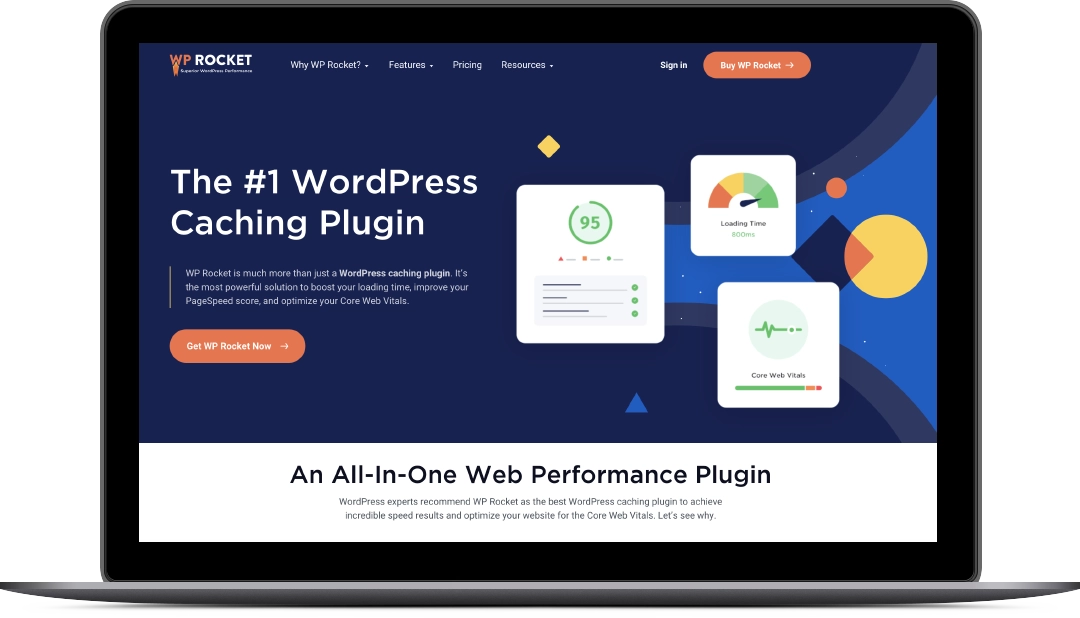
zan design website experts recommend caching plugin Wp Rocket

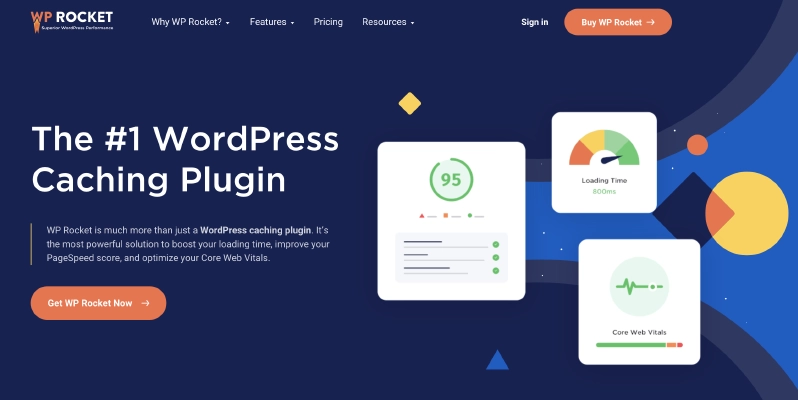
WP Rocket is much more than just a WordPress caching plugin. It’s the most powerful solution to boost your loading time, improve your PageSpeed score, and optimize your Core Web Vitals.


For starters, WP Rocket is a caching plugin that helps improve the performance of a website by reducing the load time and number of requests sent to a server. Caching is a process of storing data temporarily in a computer’s memory so that it can be accessed more quickly. WP Rocket stores the most frequently accessed data so that it can be provided to visitors faster. This improves the overall user experience and can significantly reduce page load times.

In addition to caching, WP Rocket also offers a number of other features that can help improve the performance of a WordPress website. It can minify HTML, CSS, and JavaScript code to reduce the size of the files being sent to the visitor’s browser. This helps reduce page load times even further. WPRocket also provides image optimization capabilities, which helps reduce the size of images on the website. This can be especially helpful for websites that have a lot of images, such as photo blogs and portfolios.

WP Rocket also offers advanced features such as database optimization, which helps reduce the number of queries sent to the database. This can help improve the overall performance of the website. WP Rocket also offers lazy loading capabilities, which can help reduce the amount of bandwidth used. Lastly, WP Rocket also provides GZIP compression, which helps further reduce the size of files being sent over the network.

Overall, WP Rocket is a must-have plugin for any WordPress website. It can help improve the performance of a website by optimizing and caching data, minifying code, optimizing images, and providing advanced features such as database optimization and GZIP compression. This plugin can be a great asset to any website, and it’s well worth the investment.

Get the WP Rocket Plugin by clicking below

zan design website experts recommend caching plugin Wp Rocket

The best hosting company for Divi websites

The best hosting company for Divi websites

Website resources

The best hosting company for Divi websites

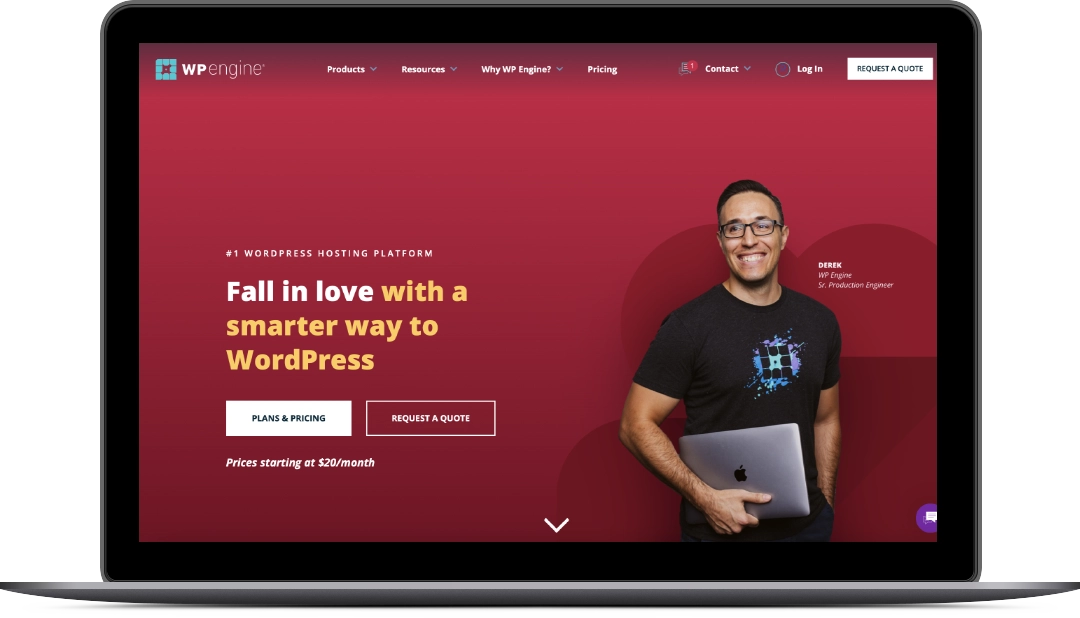
If you’re looking for a reliable, secure, and fast hosting company to host your website, you should seriously consider WPEngine. WPEngine is a managed WordPress hosting provider that makes it easy to set up, maintain, and scale your WordPress website.

zan design website experts recommend hosting your Divi themed website with WPEngine

WPEngine platform is inspired by the small businesses, creative agencies, and global enterprises who trust us to keep their most important assets—their brand, their website, their business—safe, performant, and built for growth.

First and foremost, WPEngine is incredibly reliable. It uses a proprietary system of security measures and server optimization to ensure that your website is always up and running. It uses a combination of caching, firewall protection, and server-level security to protect your website from malicious attacks. WPEngine also has an extensive system of backups and recovery in place, so you can rest assured that your website will be safe and secure.

Another great advantage of WPEngine is its speed. WPEngine’s servers are optimized for WordPress, meaning that it can handle high volumes of traffic without sacrificing performance. It also uses advanced caching technology to ensure that your website loads quickly and efficiently. In addition, WPEngine offers advanced optimization tools that can help you optimize your website for optimum speed and performance.

WPEngine also makes it easy to set up and maintain your WordPress website. It provides a user-friendly interface that makes it easy to configure settings, manage plugins, and create content. In addition, WPEngine offers several “one-click” solutions that make it easy to set up and maintain your website.

Finally, WPEngine is incredibly affordable. It offers several different plans that can accommodate any budget. It also offers discounts for long-term customers and special promotions throughout the year.

All in all, WPEngine is an excellent choice for anyone looking for a reliable, secure, and fast hosting solution for their WordPress website. Its user-friendly interface, advanced optimization tools, and affordable pricing make it the perfect choice for small businesses and individuals alike. With WPEngine, you can rest assured that your website will be up and running 24/7.

Learn more about WPEngine by clicking below.

10 best practices for SEO – Search Engine Optimization

10 best practices for SEO – Search Engine Optimization

Website resources

10 best practices for SEO – Search Engine Optimization

Search engine optimization (SEO) is a critical aspect of any digital marketing strategy. It is a process of improving the visibility of a website on search engine result pages (SERPs). SEO is a complex task that requires a lot of dedication and effort to ensure success. 

SEO Best practices by ZanDesign

 To help you get started on the right foot, here are the top 10 best practices for SEO search engine optimization:

1. Optimize Your Page Titles and Meta Descriptions

Optimizing your page titles and meta descriptions is important to ensure that your website is found in search engine results. Page titles and meta descriptions are used by search engines to understand what your website is about and to display in search engine results. Page titles should be descriptive, and should include the most important keywords related to your topic. This will help search engines to understand the content of your page and provide the best results for users. Meta descriptions should also include important keywords, and should clearly explain what the page is about. Meta descriptions should also be concise, so that users can quickly understand what the page is about without having to read too much. Optimizing page titles and meta descriptions can help to improve your website’s visibility in search engine results, which can lead to more website traffic and better search engine rankings.

2. Use Heading Tags to Show Hierarchy

The use of heading tags helps to establish a hierarchy within content on a web page. This hierarchy is useful for both the user and search engines, as it communicates the structure of the page and helps to prioritize content for SEO.
<h1>Heading 1</h1>
<h2>Heading 2</h2>
<h3>Heading 3</h3>
<h4>Heading 4</h4>
<h5>Heading 5</h5>
<h6>Heading 6</h6>
Heading 1 is the highest level of content. It should be used for the main title of the page.
Heading 2 is used for subheadings, and typically follows Heading 1.
Heading 3 is used for sub-subheadings, and typically follows Heading 2.
Heading 4, Heading 5 and Heading 6 are used for further subheadings, and typically follow Heading 3.

Using heading tags helps to clearly communicate the structure of a page to search engine crawlers, which can help improve a page’s ranking in search engine results. It also helps to prioritize content on the page, so that the most important content is given the highest priority.

3. Use Internal Links to Promote Your Content

Internal links are links that connect two pages within the same website. They are used to promote content and create a navigational hierarchy within the website. Internal links help search engine crawlers find content on a website and index it for search engine rankings. They are also useful for direct users to specific pages on a website. Using internal links to promote content for SEO is important because it creates an internal network of links that help search engine crawlers understand the structure of a website. Additionally, it helps users easily find related content and encourages them to stay on the website longer, which can lead to more page views. This can have a positive effect on the website’s overall SEO ranking. When creating internal links, it is important to use keywords in the anchor text. This helps search engine crawlers understand what each page is about and can improve rankings. Additionally, the links should be relevant to the content they are linking to and should be placed strategically throughout the page. Using internal links to promote content for SEO is an effective way to improve a website’s ranking and encourage user engagement. When done right, it can create a positive SEO ranking and improve the overall user experience.

4. Optimize Your Site for Mobile Users

Optimizing your site for mobile users for SEO involves making sure that your website is optimized for all types of devices, including smartphones and tablets. This includes making sure that the content on your website is responsive so that it looks good on all devices, as well as making sure that the page load time is fast. Additionally, you should make sure that your website is optimized for voice search by using structured data and using keywords that are more likely to be used in voice searches. Finally, you should make sure that your website is optimized for local SEO by using location-specific keywords and making sure that the site is properly indexed for local searches.

5. Create Quality Content

Creating quality content for SEO is essential for achieving good search engine rankings. Quality content should provide users with relevant, accurate, and useful information about the topic at hand. It should be well-written and optimized for search engine algorithms. Quality content should also include relevant keywords, internal and external links, and multimedia to enhance the user experience. Quality content should be regularly updated to keep up with changing trends, and should be optimized for mobile devices and presented in an easy-to-understand format. Quality content should also be optimized for voice search, as more people are using voice search to find information online. Finally, quality content should be shareable, to increase its visibility and drive more traffic to your website.

6. Use Strategic Keywords

Strategic keywords are the words or phrases that people use when searching for a product or service. They are usually single words, but can also be longer phrases. They are strategically chosen to help optimize your website for organic search engine optimization (SEO) and help increase your visibility in search engine results pages (SERPs). When used correctly, strategic keywords can help your website rank higher and increase your website’s traffic. Strategic keywords should be chosen based on their relevance to your website and the products or services you offer, as well as their search volume. The higher the search volume, the more potential customers you could have. Additionally, strategic keywords should also be used in titles, meta descriptions, image alt tags, and other areas of your website in order to increase the visibility of your website in SERPs.

7. Submit Your Site to Search Engines

Submitting your site to search engines is an important step in optimizing your website for SEO. By submitting your website to search engines such as Google, Yahoo, and Bing, you are giving the search engine permission to crawl and index your website, making it more likely to appear in search engine results. Submitting your site also helps the search engines understand what your website is about so they can properly categorize it and display it in relevant search results.

8. Use Structured Data

Structured data is a way of organizing data that allows search engines to better understand it. It helps search engines to better understand a website’s content and can help to boost its visibility within search engine results pages (SERPs). Structured data can be used to mark up content with HTML, RDFa, or microdata to provide additional information about the content to search engines. Structured data can help search engines to categorize content more accurately, display more relevant results, and increase the visibility of content within search engine results. This can lead to an increase in organic traffic and higher rankings in SERPs.

9. Optimize Your Site for Local Search

Optimizing your site for local search for SEO involves making sure your website contains all the necessary information to be easily found by local searchers. This includes optimizing your website for local keywords, such as the name of your city, region, or state. You should also include your business’s name, address, and phone number in all of your webpages, as well as in the metadata and code. Additionally, you should make sure that your website is properly optimized for mobile users, as many local searches are conducted from mobile devices. Finally, you should create local landing pages for each of the areas you serve, as this will help you more effectively target local searchers.

10. Get Quality Backlinks

Getting quality backlinks for SEO purposes is an important part of any successful search engine optimization campaign. Backlinks are links from other websites that point to your website. They can be acquired through various methods such as content creation, guest blogging, and directory submissions. Quality backlinks are those that come from authoritative and relevant websites, and they help to improve your website’s visibility in search engine results. Quality backlinks can also increase the trustworthiness of your website, helping it to rank better in the SERPs.